Inconsistent Centering of Minecraft Chat Messages

Popis
I encountered an issue within LabyMod, where the text alignment in the Minecraft chat appears to be misaligned and lacks proper centering. This problem negatively affects the visual appearance of chat messages, resulting in an inconsistent and unattractive display.
Steps to Reproduce:
- Launch LabyMod and log in to Minecraft.
- Activate advanced chat settings -> Image A
- Enter a multiplayer server or create a single-player world.
- Open the chat window by pressing the 'T' key.
- Type single line of text
- Observe the alignment of the text within the chat window -> Image B
Images A - Advanced Chat settings
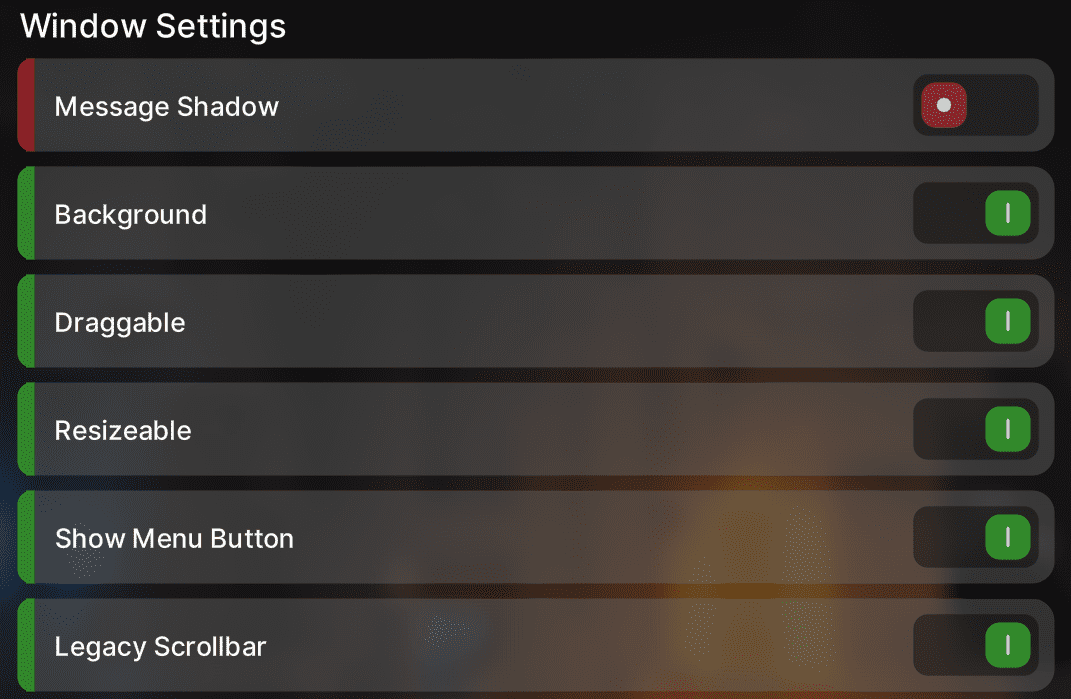
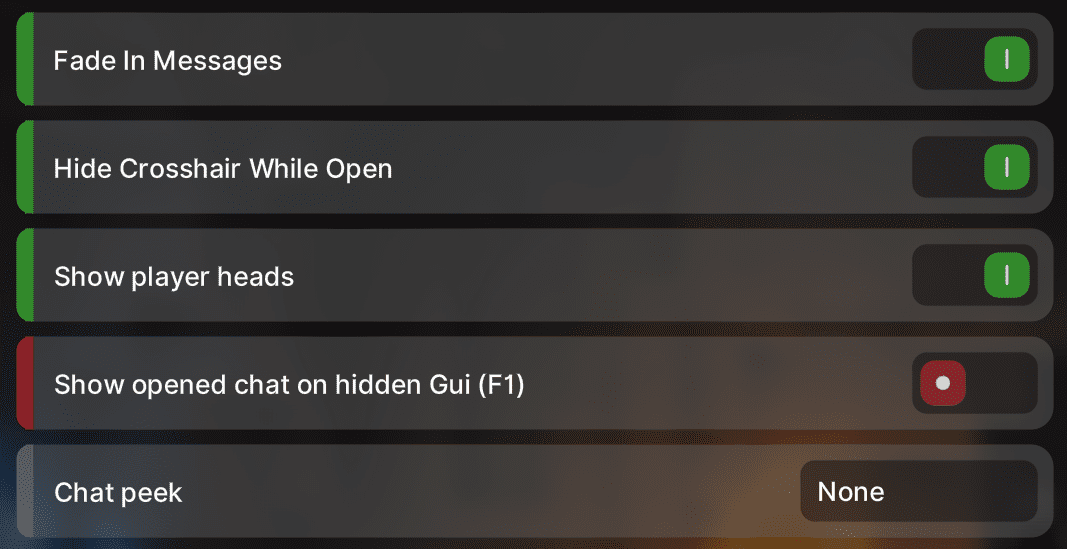
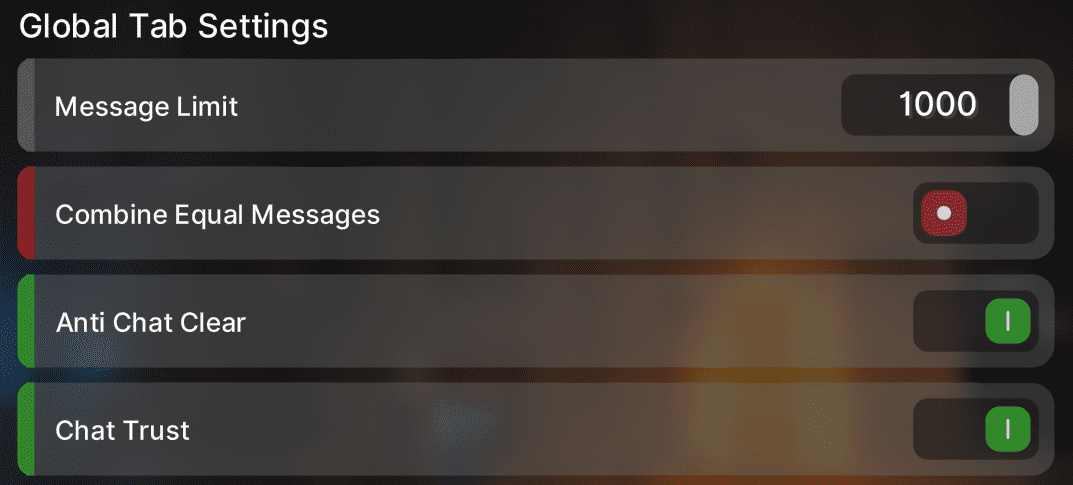
Image B - Minecraft Chat with written line

The text extends beyond the boundaries of the text line.
Operating System: Windows 11
LabyMod Version: 4.0.0+775 snapshot/d5f4f830
Minecraft Version: 1.19.4
Installed Addons: CustonBlockOverlay, CustomNameTags, Flux, ItemPhysics, Resourcepacks24, Toolbreak Warning, VoiceChat
Komentáře
-

derrop
2023-06-01 11:14:42The messages are shifted down 1 pixel because otherwise the text would be right at the top of the background which looks worse in my opionion. This is actually the same as in the vanilla chat
-

MrFireDevil
2023-06-01 11:35:00Withourt Advanced Chat

With Advanced Chat

I hope u can see the different
-
MrFireDevil
2023-06-01 12:56:43I think you would just have to extend the chat background a bit below, then the problem should already be solved
-
LabyMod
2023-06-06 10:39:28Thanks for your report. This bug/suggestion has just been completed. It will be released within one of the upcoming updates.
-
