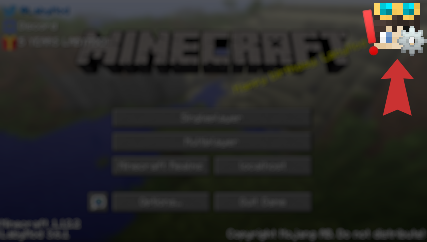
Player shown on my localhost multiplayer screen

RettichLP
2023-03-24 14:26:32Popis
Hey,
the server list shows Labymod friends who are playing on a server with the same IP. Same happens with local servers. If a Labymod friend plays on their own localhost, it is shown to me that he is on "my" localhost.
This isn't really a bad thing, but maybe localhost and 127.0.0.1 can be blacklisted so that there is no confusion.
Thanks :D
My localhost is empty but the friend on his localhost shows as playing on mine:

Operating System: Windows 11
LabyMod Version: 4.0.0+705 snapshot/c71f0c9f
Minecraft Version: 1.16.5
Installed Addons: OptiFine, Spotify, Flux, TeamSpeak, BetterPerspective, ChatTime, Friendtags
Komentáře
-

Corvonn
2023-03-24 15:06:20I also have a similar problem, apparently LabyMod only checks the TopLevel Domain, not the Subdomain.
So when my friend is on myDomain.com, it shows up on both the myDomain.com server, but also on the play.myDomain.com server, even if they are different servers. -
LabyMod
2023-03-29 18:25:30Thanks for your report. This bug/suggestion has just been completed. It will be released within one of the upcoming updates.
